Bardo Pro
One purchase. Forever. No account, no ads, and no internet permission.
Bardo is free and will stay free. Pro doesn't take anything away: it adds eight things that didn't exist before.
Your cloud library, inside Bardo
Your books are in Drive and you read on your phone. Today that means downloading a file, finding it, opening it, remembering to delete it. With Pro, your cloud is just another Bardo folder.
- Download a book from its options or when you open it. It tells you the size and your free space first.
- Download a whole folder or series at once.
- The cover tells you where each book is: on the phone or in the cloud.
- What you downloaded reads offline, on the subway or on a plane.
- The next issue downloads itself when you reach 80 % of the one you're reading. Never on mobile data, and you can turn it off in Settings.
- Settings tells you how much the copies take up and clears the ones you've finished.
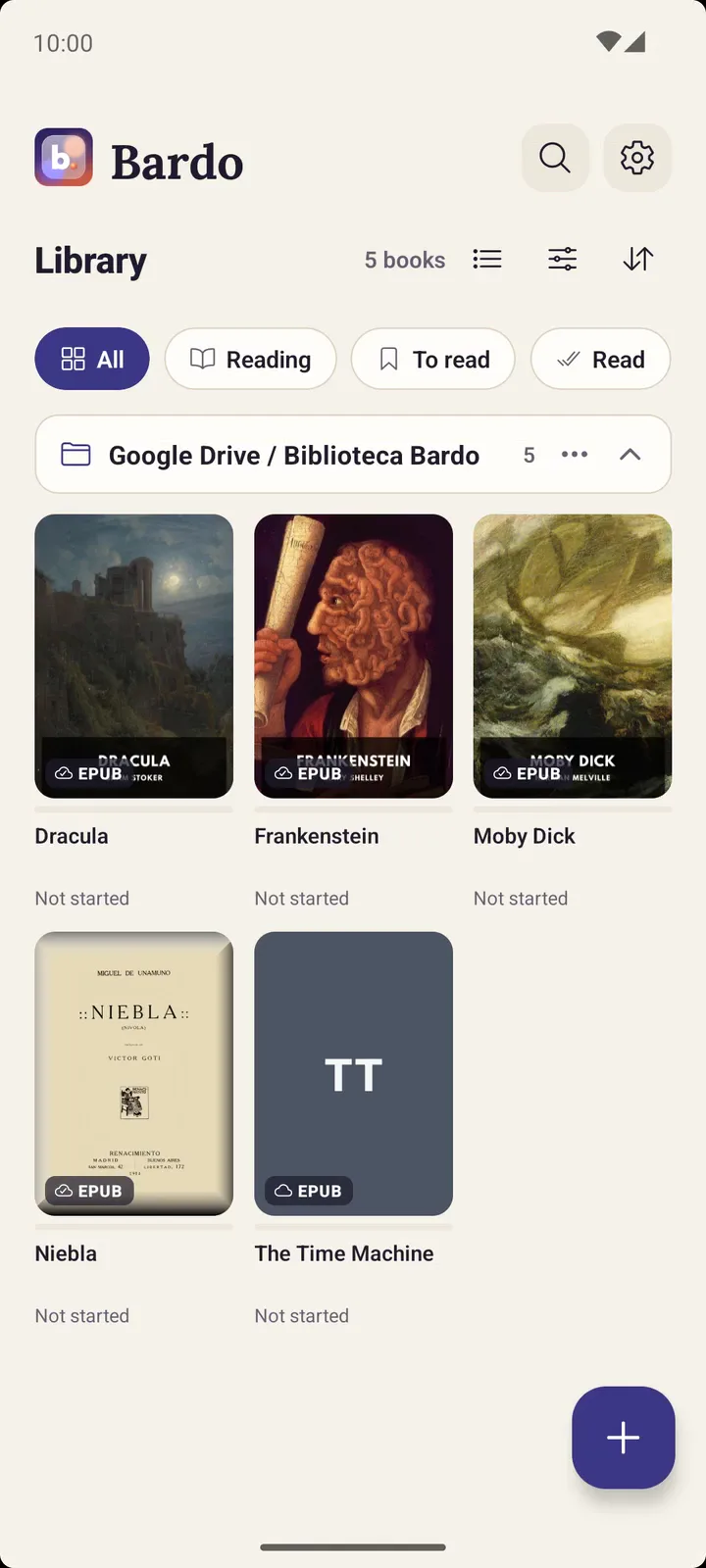
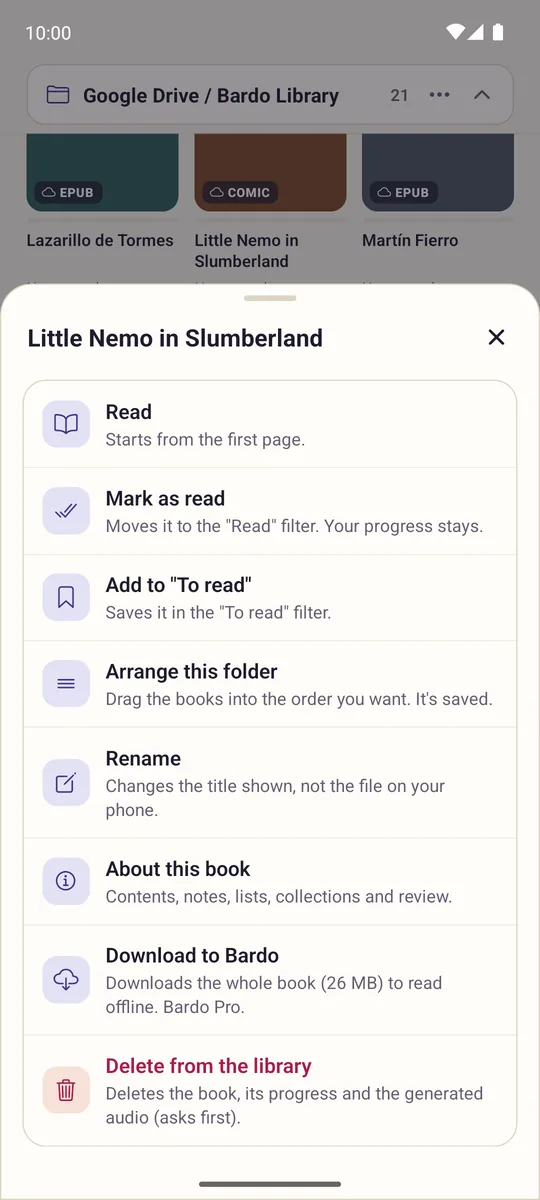
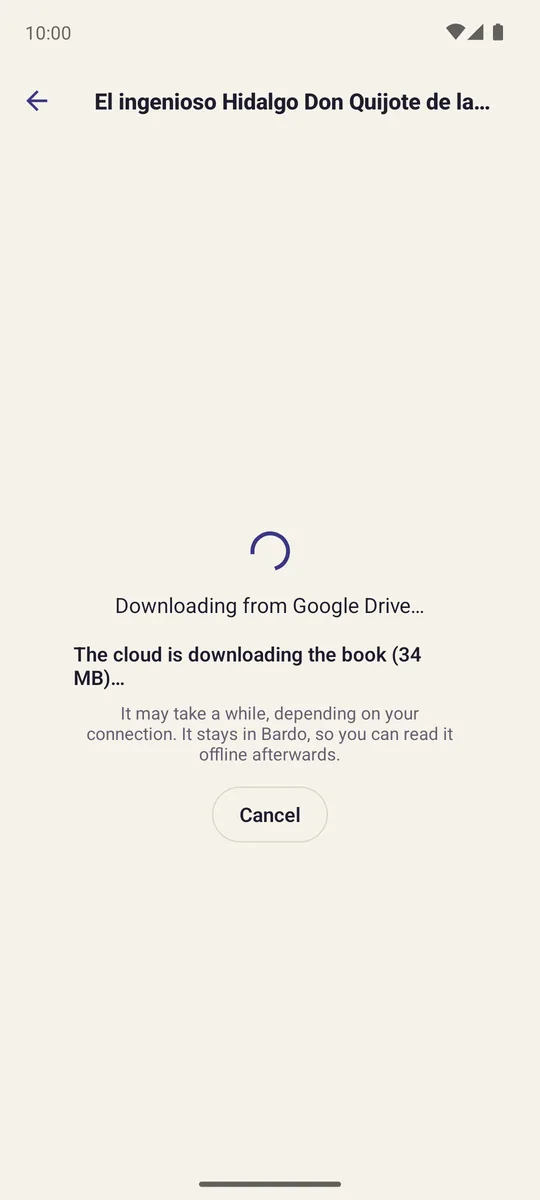
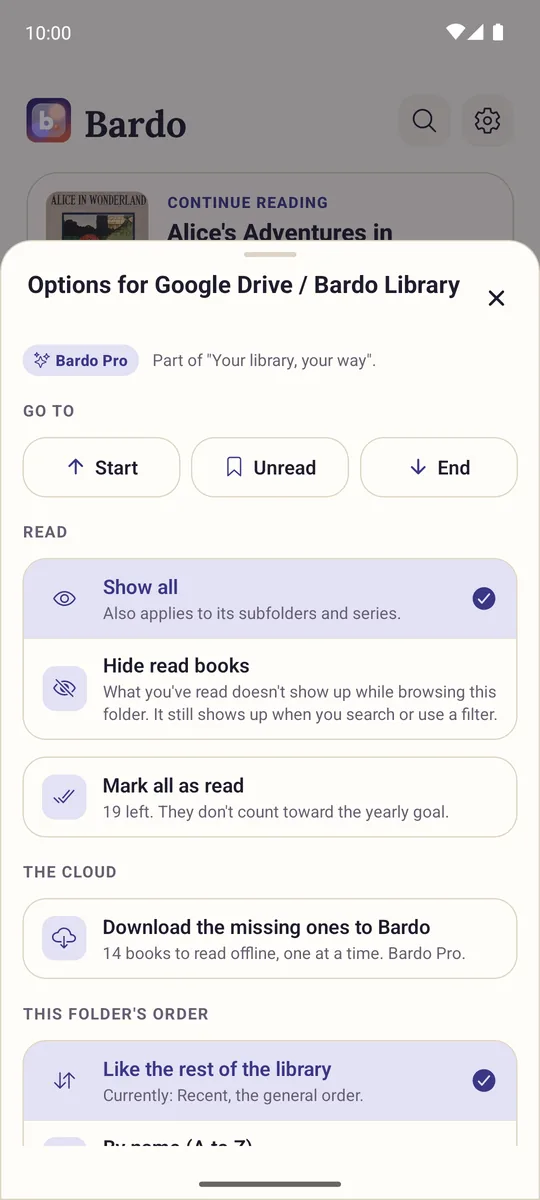
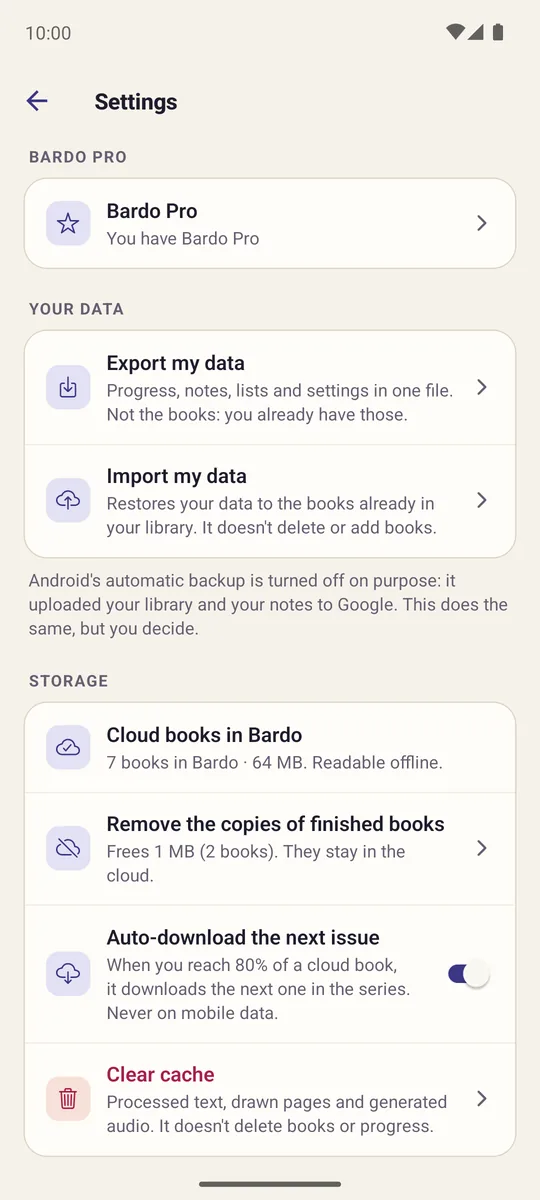
And the strangest part: Bardo still has no internet permission. Your cloud's own app fetches the files; Bardo only reads them. Check the permissions on Google Play whenever you like — the list doesn't change.
Tested with Google Drive. OneDrive and Dropbox once they're tested.
The library your way
With two hundred books, how you see them matters as much as having them.
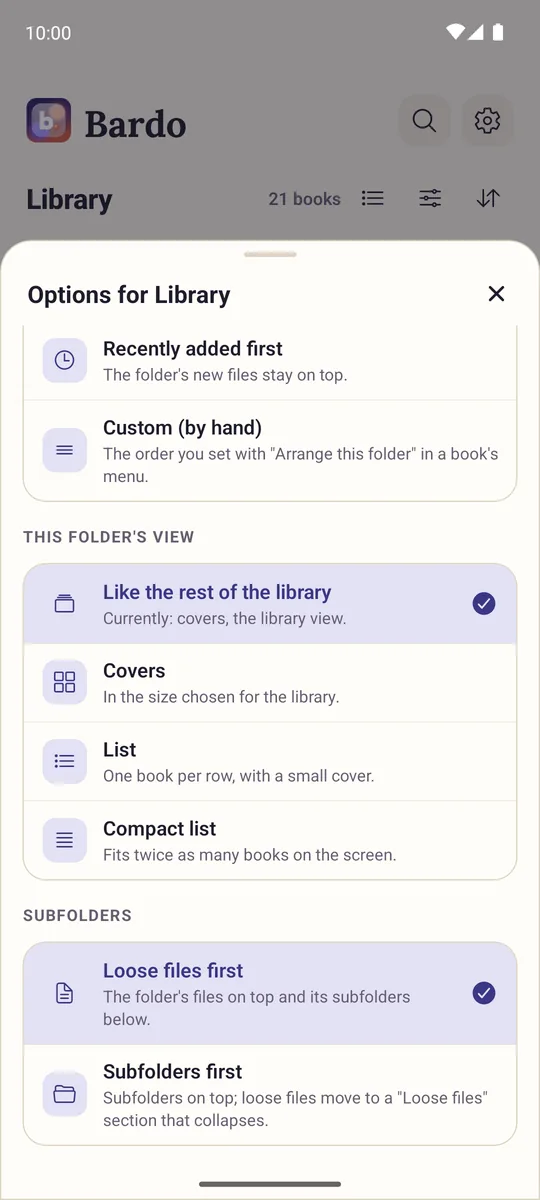
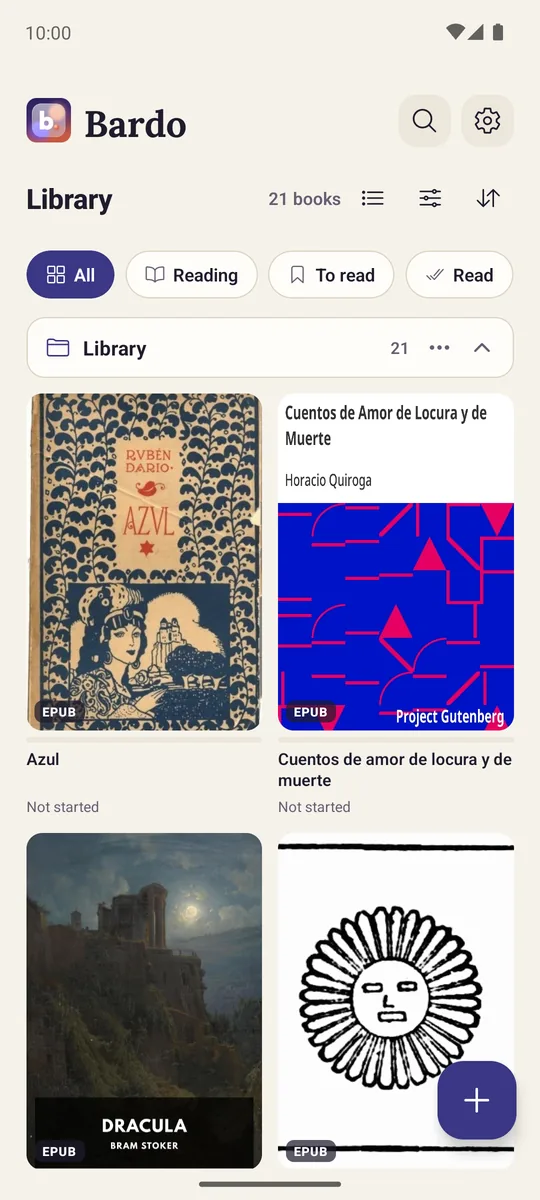
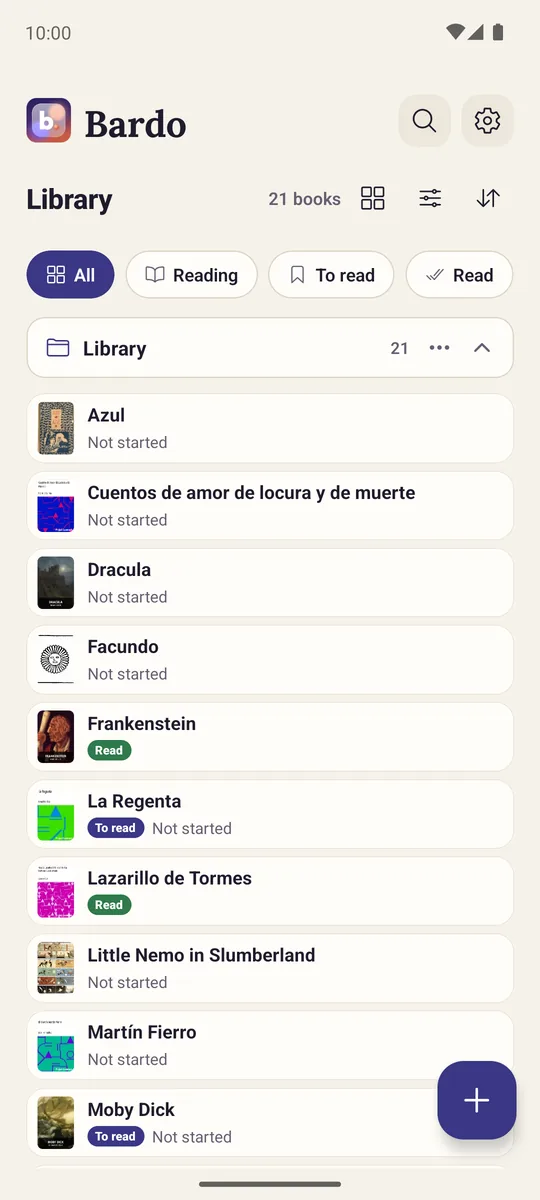
- Per-folder view (covers or list), inherited by subfolders.
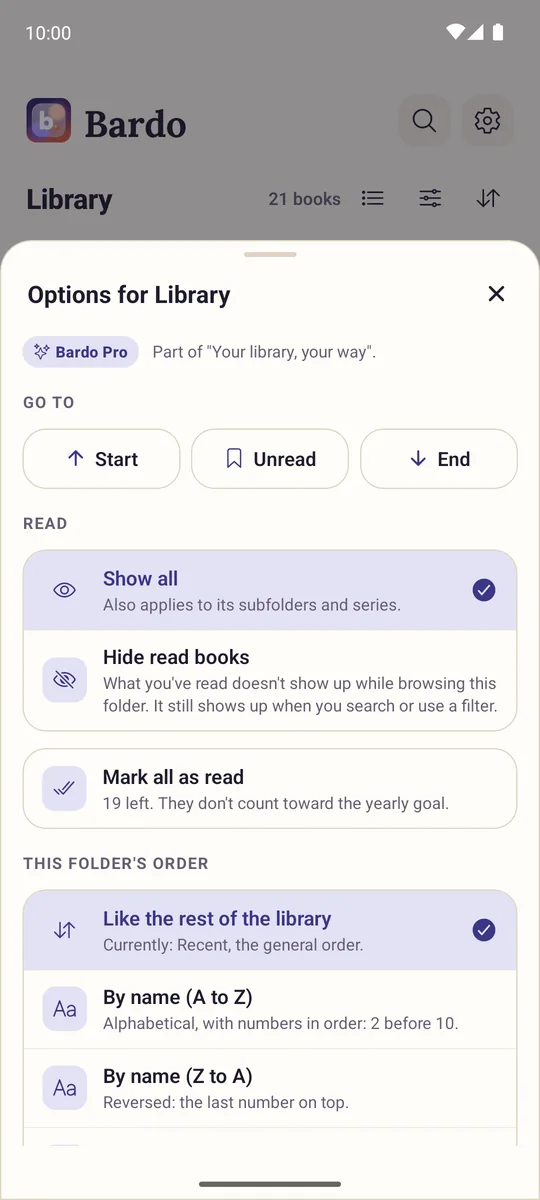
- Subfolders first, hide what you've read, mark a whole folder as read.
- Jump to the start, to the first unread, or to the end.
- Small, medium or large covers, or a compact list.
- Saved shelves: a named view, one tap away.
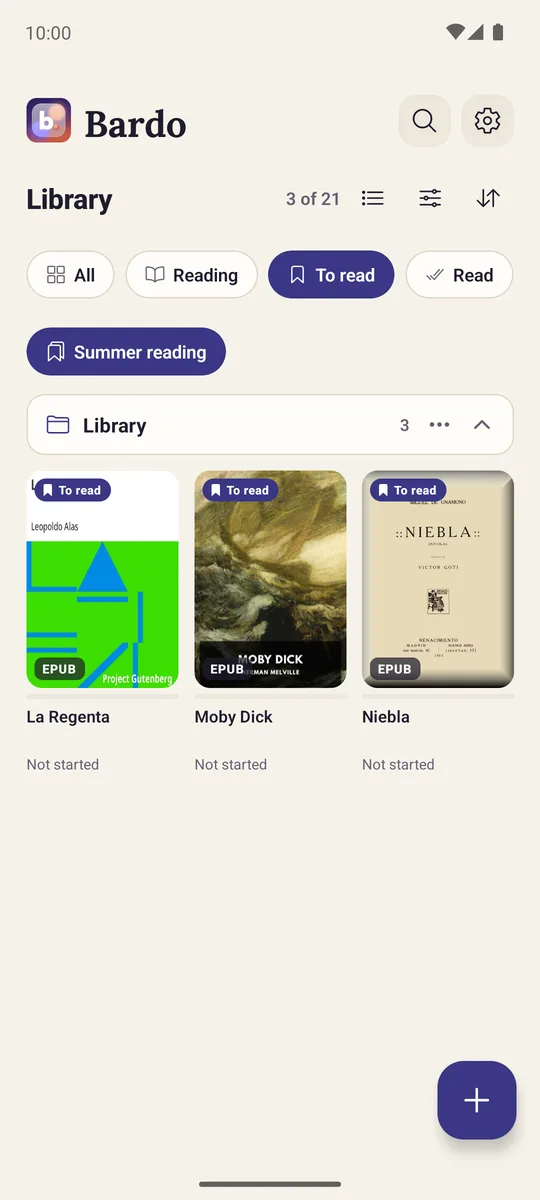
Colored highlights
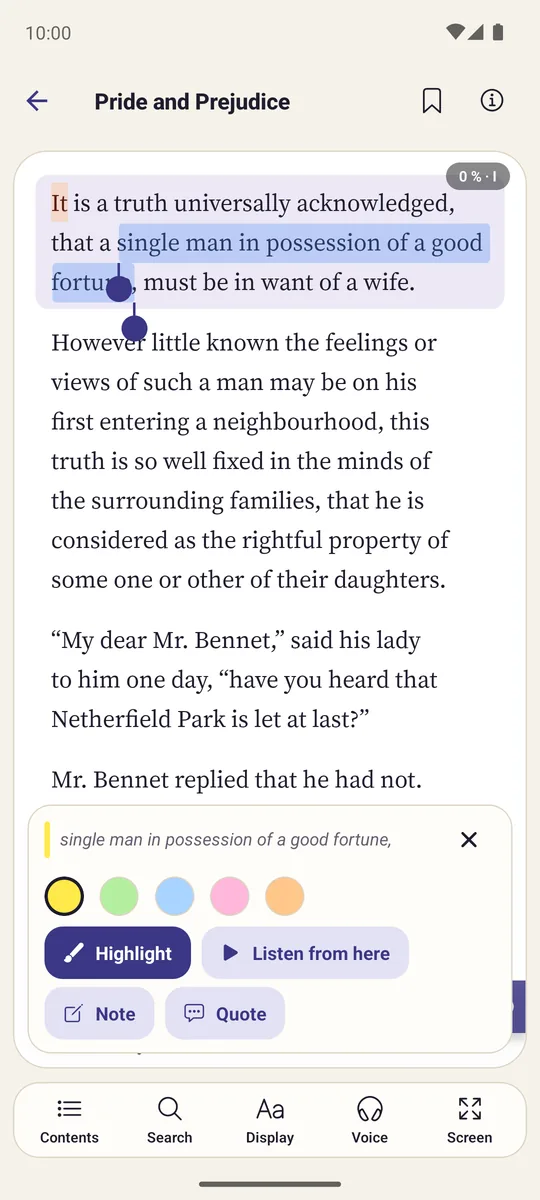
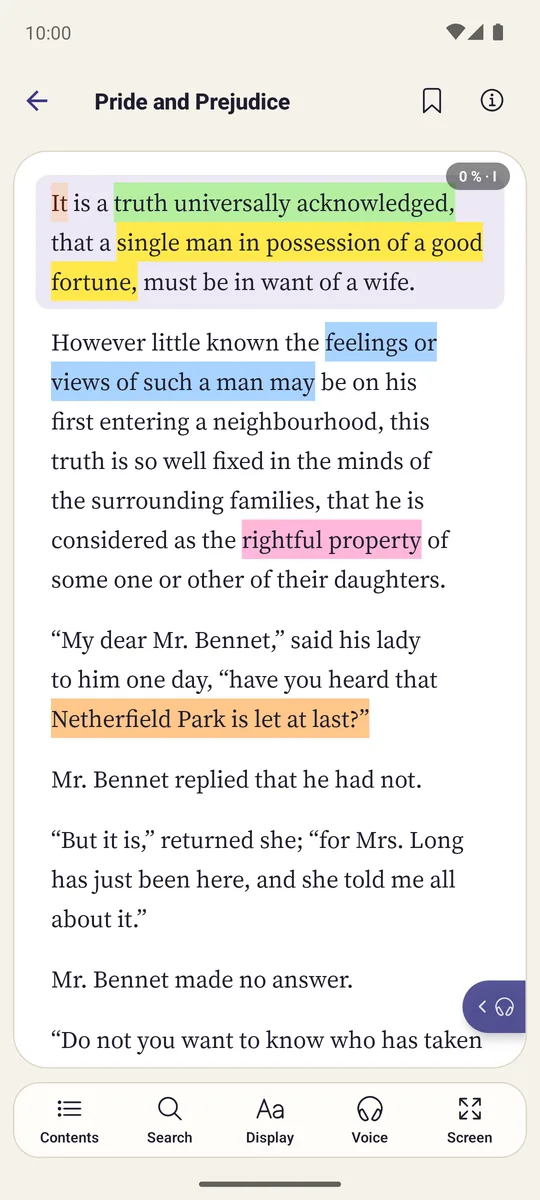
The yellow you already had stays free. Pro adds four more colors and tags.
- Five colors: yellow, green, blue, pink and orange. Pick one as you highlight, or recolor one you already made.
- Up to eight tags per highlight, written by you.
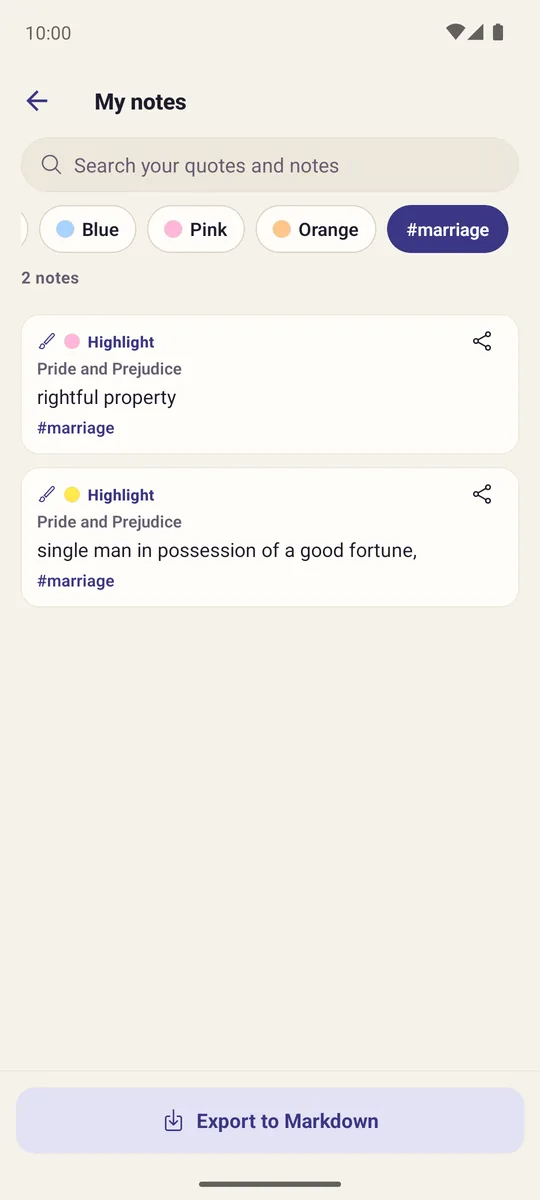
- "My notes" filters by color and by tag.
- When you export to Markdown, the color and the tags come along.
- It works the same on EPUB text and on a PDF page.
If the trial ends, the colors you set stay visible. What goes back to yellow is the highlight button.
Organized comics
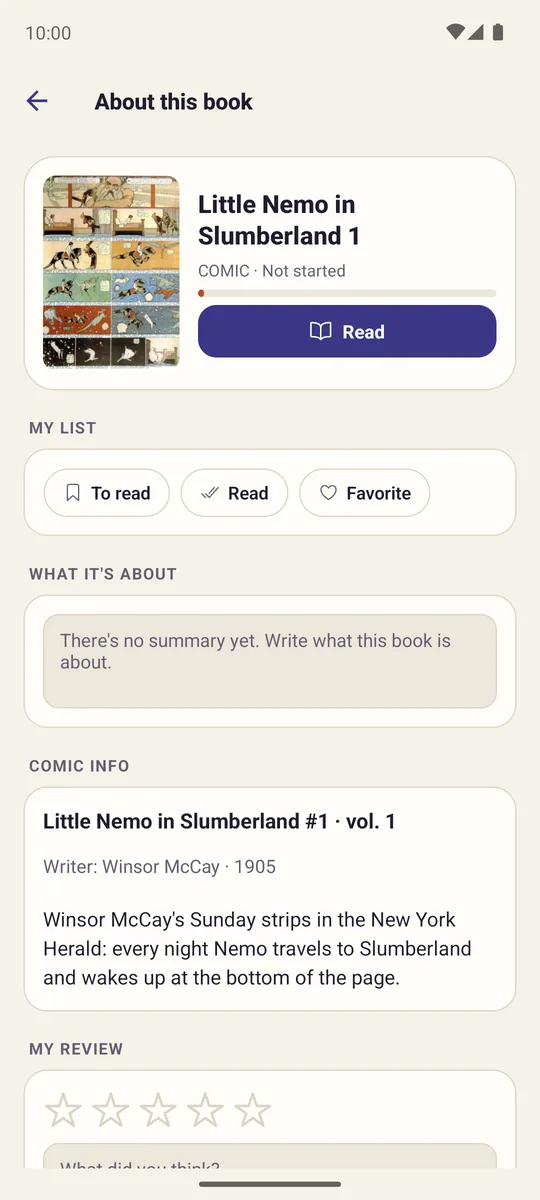
Comics usually carry a data sheet inside that almost no reader bothers to read. Bardo reads it.
- Series, issue, volume, writer, year and summary, taken from the file.
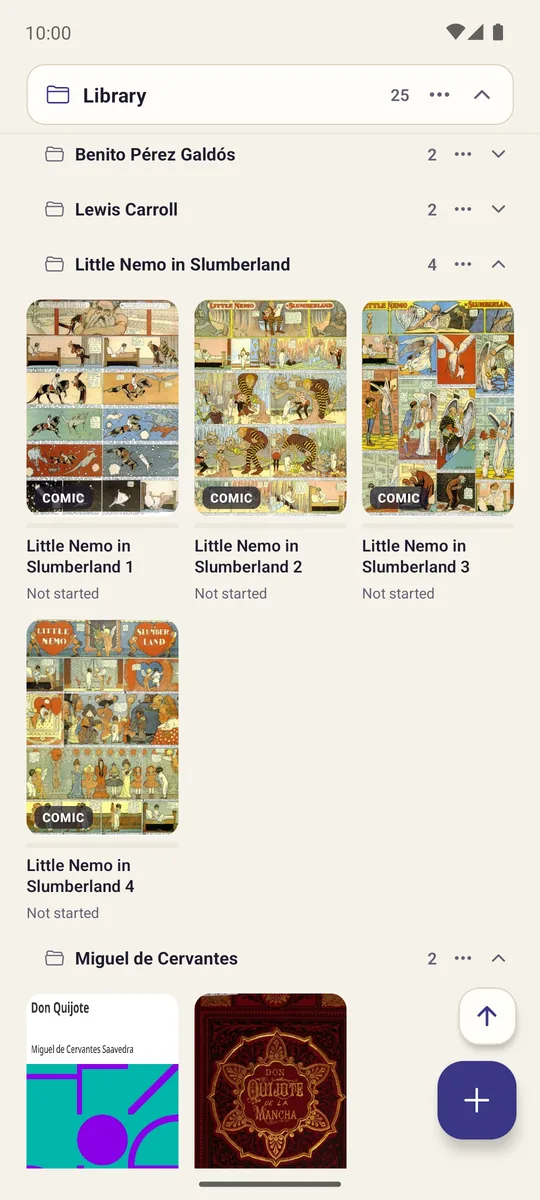
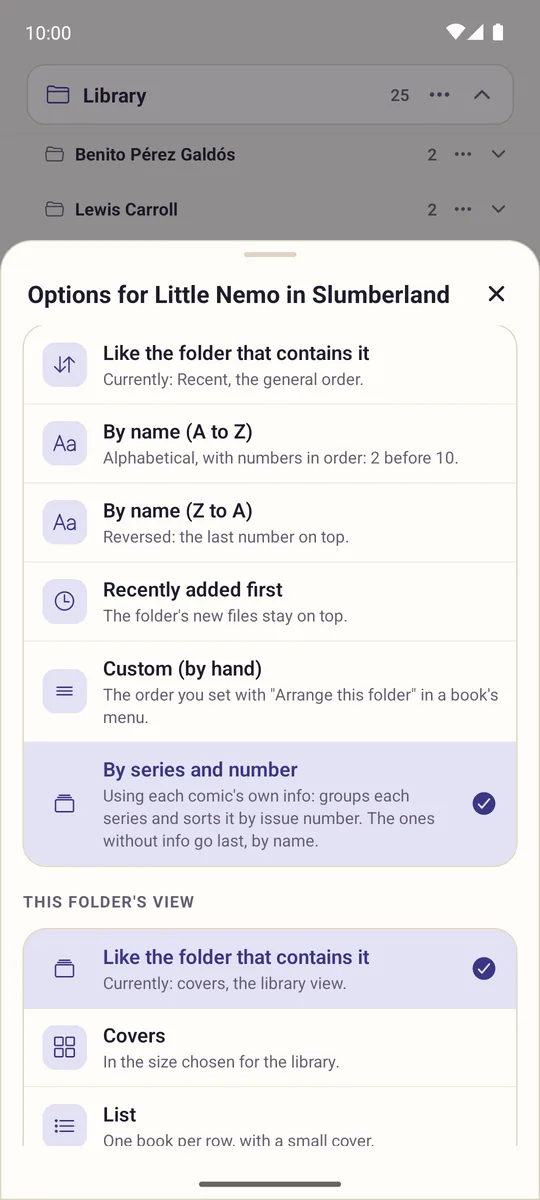
- Sort a folder by series and issue instead of by filename.
- When you finish an issue, Bardo offers the next one in the series, even if it's in another folder.
Your own fonts
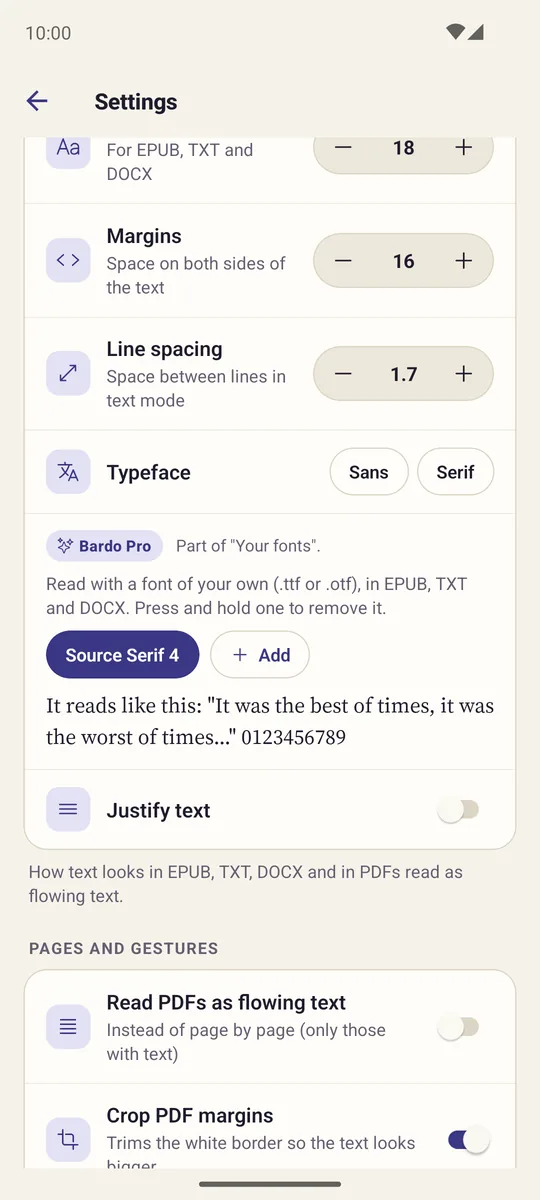
If there's a typeface you read better in, bring it.
- Load the font file from your phone.
- See it in the preview before applying it.
- It's used for EPUB, TXT, DOCX and plain text.
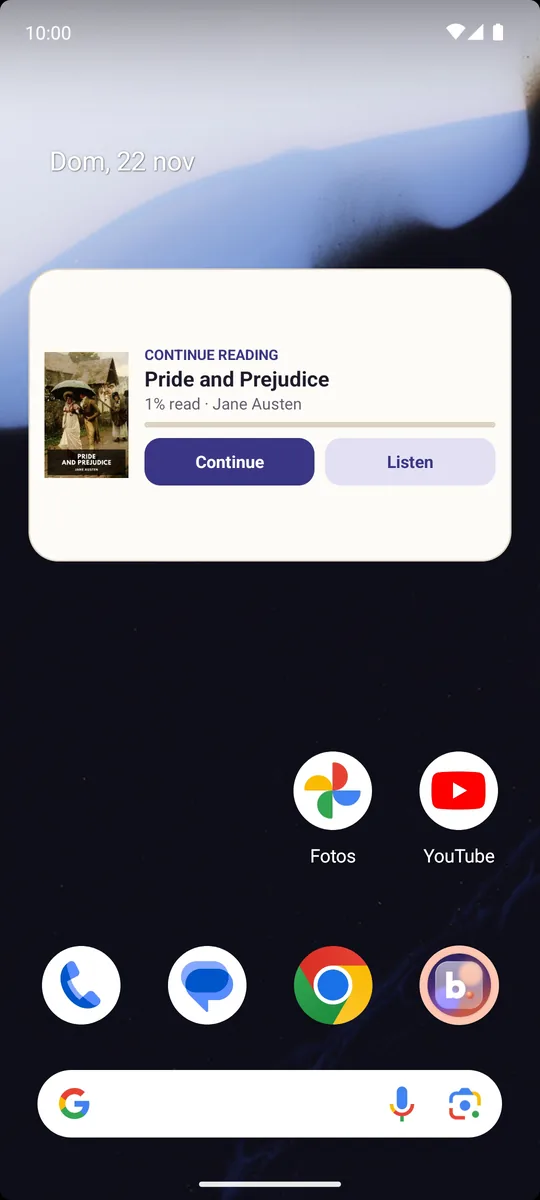
A widget that controls the voice
Bardo on your home screen, without opening the app.
- "Keep reading", with the cover and title of the last thing you opened.
- "Listen" starts the voice right there, from where you left off.
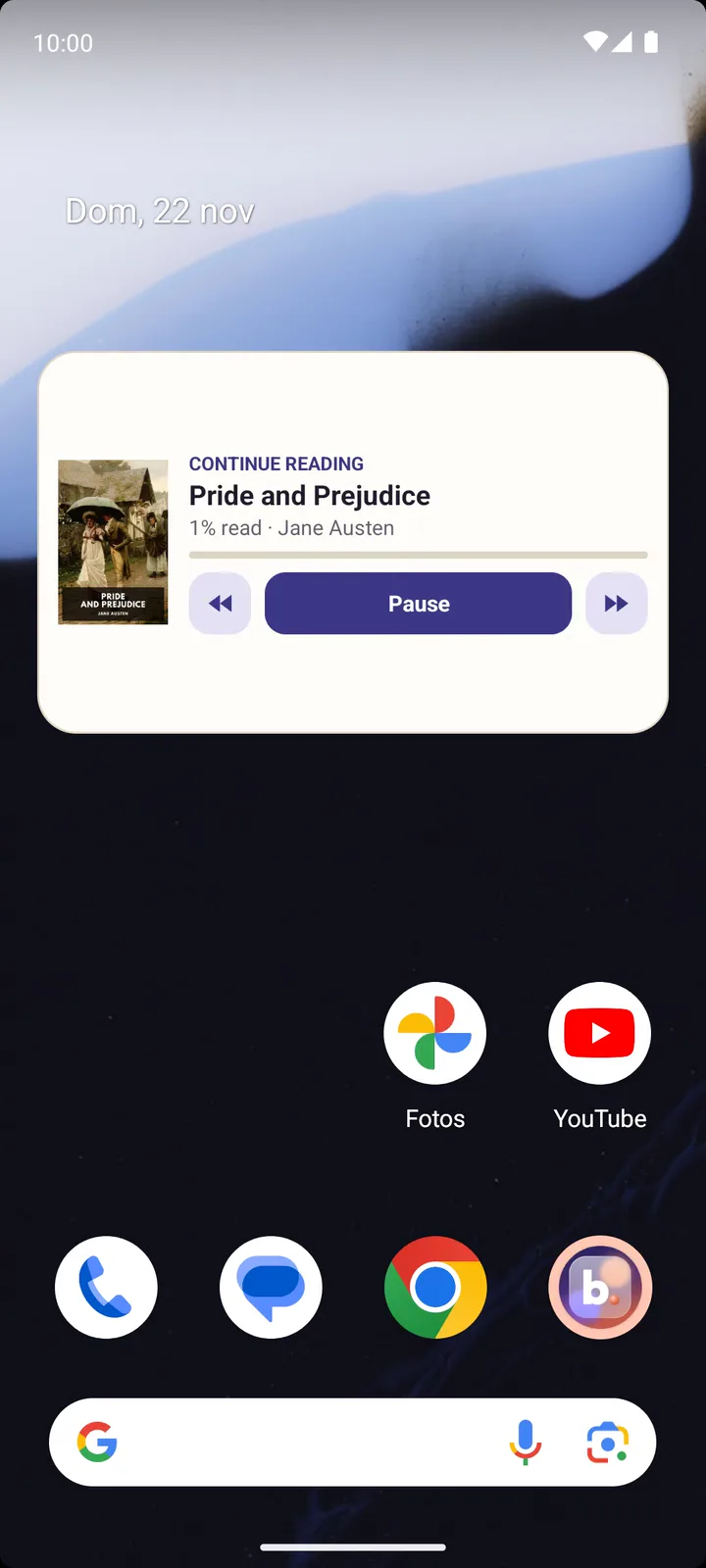
- Once it's playing, the widget switches to three controls: back 15 seconds, pause, forward 15 seconds.
- Shortcuts to a book, and a "Keep listening" tile for the quick settings panel.
Two things worth knowing: the voice from the widget needs a book you've opened at least once, because it uses the text Bardo saved when you opened it. And comics and scanned PDFs can't be listened to — there the widget offers only "Continue".
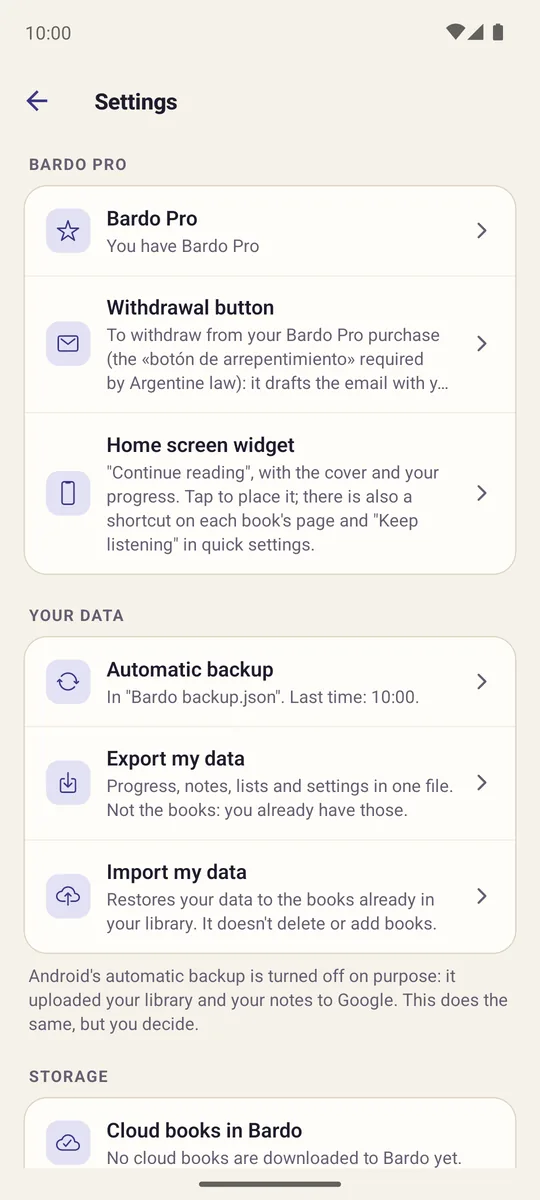
A backup that keeps itself
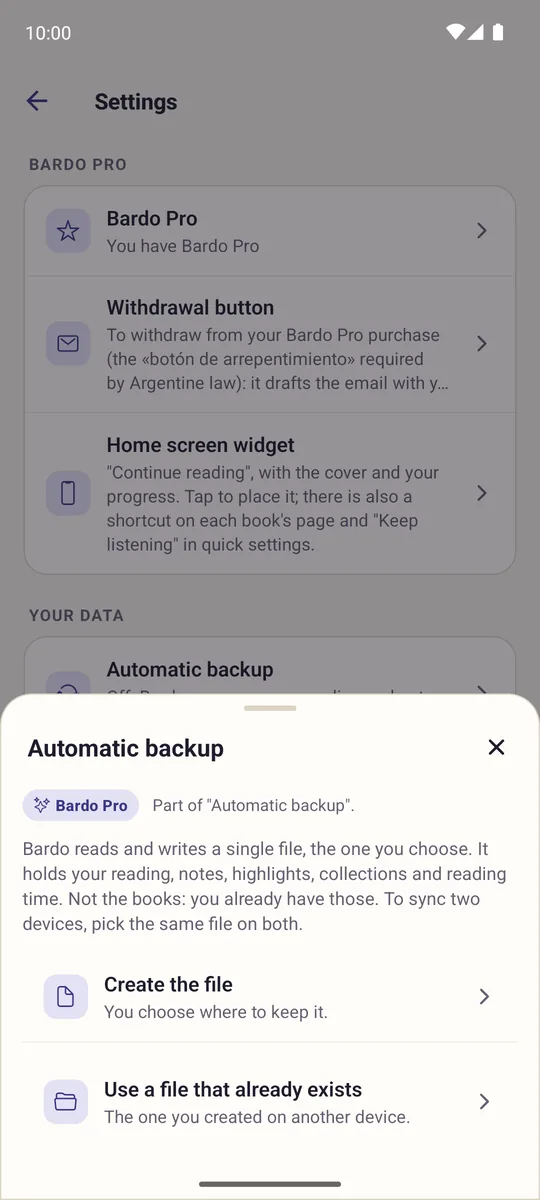
One file, the one you choose. It can live in your cloud.
- Bardo reads and writes that file on its own, without you remembering.
- If you read on two devices, each picks up the other's: progress, bookmarks, quotes, notes, highlights, lists and collections, ratings and reviews, your reading time and your settings.
- When both sides changed, the newest one wins.
It doesn't upload your books. What travels is what you did with them, not the files. What belongs to this phone stays here: your library folders, the voice and the fonts you loaded. And if the other device just changed something, your cloud may take a minute or two to hand it over: "Sync now" fetches it.
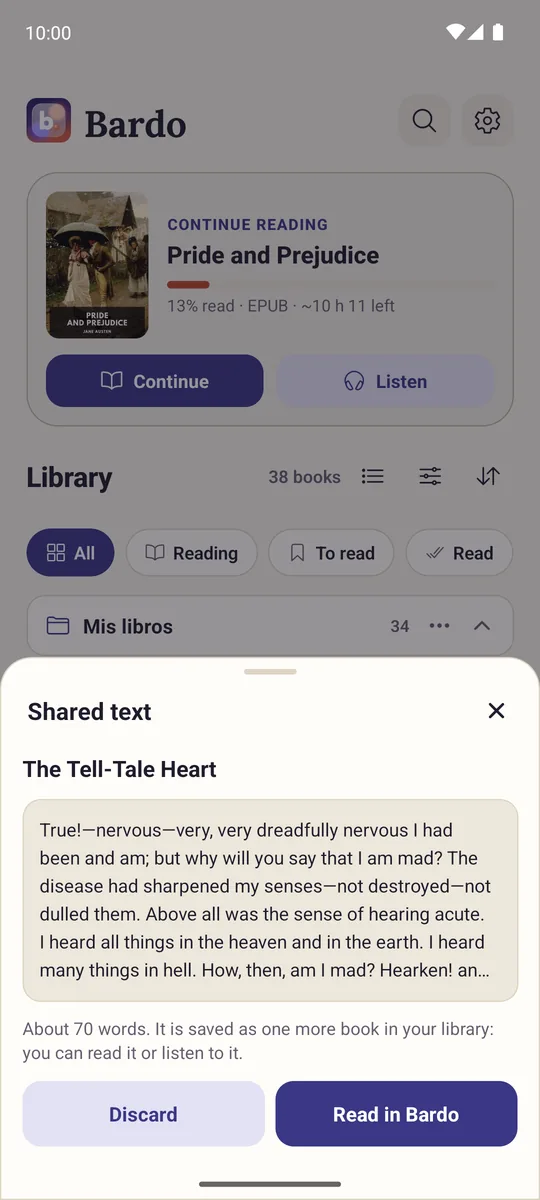
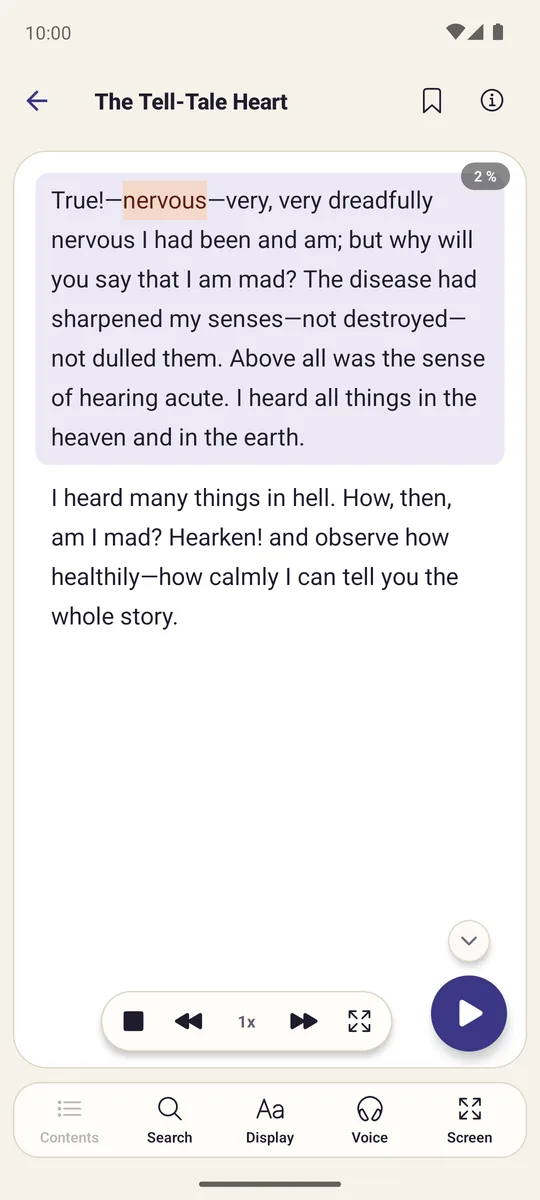
Read shared text
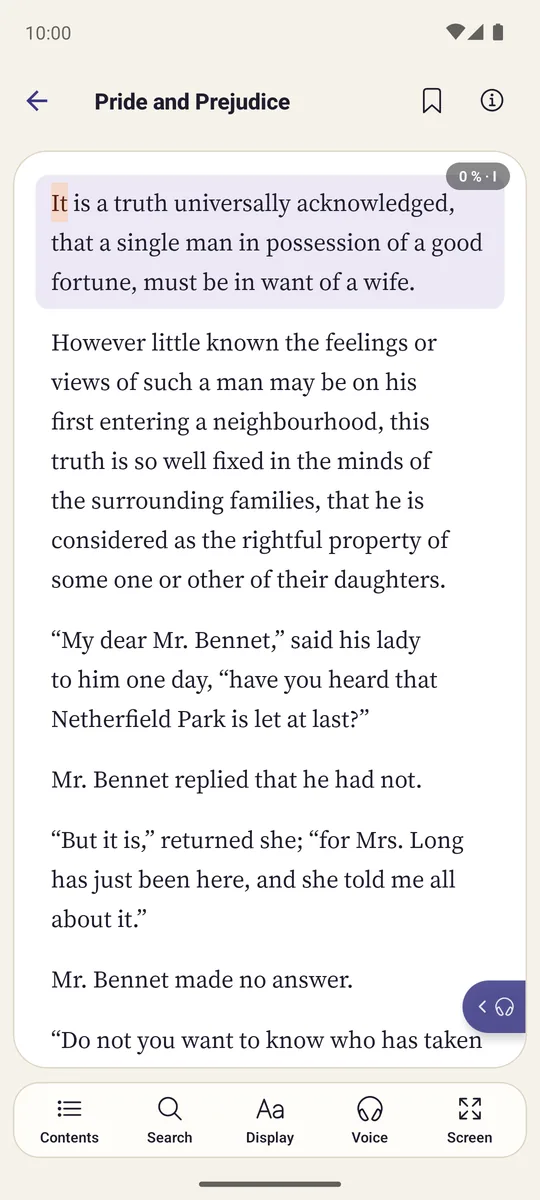
From any app, hit "Share" and pick Bardo: what you shared opens as text to read or listen to. It's off by default; you turn it on in Settings.
How the purchase works
- One time. Not a subscription, no renewal, no expiry.
- You see the price in your currency, inside the app. It varies by country.
- Google Play processes the payment. We never see or store your card details.
- If you want a refund, you have 15 days from the day after your purchase, with no questions asked. The fastest route is Google Play, which often sorts it out within the first 48 hours; after that, write to us and we'll do it. If Pro doesn't work the way this page says it does, we'll refund you whenever, with no time limit. And if the law where you live gives you more time, the law wins.
- 7-day trial of the Pro features. The cloud isn't part of the trial: it's the feature the purchase is for.
- While the trial runs, Bardo tells you how many days are left.
- When the trial ends, what you did stays. Creating and changing are locked, never viewing.
- What's free stays free. It's in the terms, not a marketing promise.
Buy it inside Bardo, in Settings.